
Technical data · HT-32
Download PNG · 2.2 MB
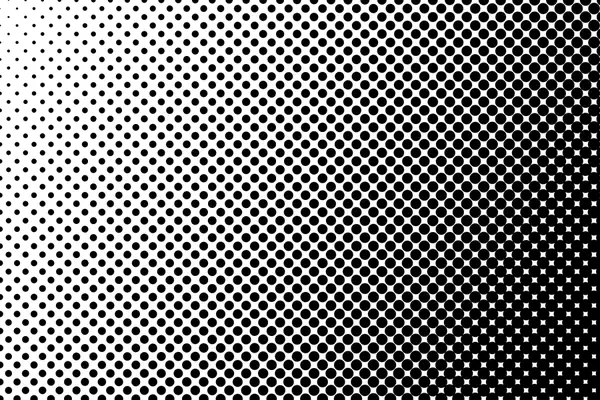
Dot halftone, left to right fade
Dots that grow from the left edge to solid on the right. A side fade for banners and wide headers.
| Frame | HT-32 |
|---|---|
| Format | PNG, 3000 × 2000 px |
| File size | 2.2 MB |
| Blend mode | Normal or Multiply |
| Opacity | 20–100% |
| Background | transparent |
| Screen cell | 22px |
| Screen angle | 45° |
| License | Free, commercial use |
Free for personal and commercial use. No attribution required. Please do not re-upload the plates to other download sites.
How to use it
- Place the halftone PNG over your image.
- Keep blend mode Normal for black dots, or use Multiply over colour.
- To recolour the dots, add a Color Overlay layer style.
- Lower opacity for a subtle print texture.
- File → Open & Place the PNG.
- Use Multiply or Normal.
- Recolour with Layer → Layer Style → Color Overlay.
- File → Open as Layers.
- Keep Normal or set to Multiply.
- Recolour with Colors → Map → Color Exchange or lock alpha and fill.
- File → Place the PNG.
- Normal or Multiply.
- Recolour with a Recolour adjustment clipped to the layer.